 Jul 16, 2026 - 0
Minutes read
Jul 16, 2026 - 0
Minutes read
CCTV Camera Buying Guide: How To Choose The Best Security Camera
CCTV Camera Buying Guide: Choose the Right Camera
CCTV Camera Buying Guide: Choose the Best Security Camera
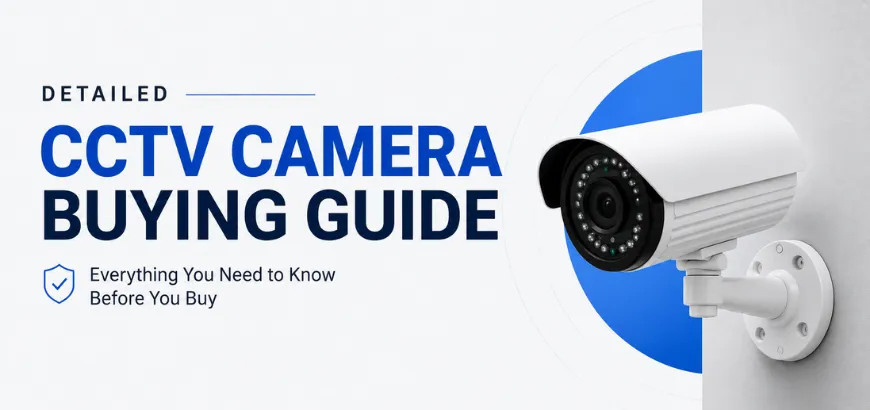
Choosing the right CCTV camera depends on your location (indoor or outdoor), budget, desired resolution, and storage preferences. Key factors include camera type, resolution (1080p minimum), night vision capability, wired vs. wireless setup, and whether local or cloud storage suits your needs best.
Picking the wrong security camera is a costly mistake—one that could leave your home or business with blind spots, blurry footage, or a system that fails when you need it most. With so many options on the market, it's easy to feel overwhelmed before you've even started.
This CCTV camera buying guide breaks everything down in plain language. By the end, you'll know exactly which camera type suits your needs, which features actually matter, and how much you should expect to spend—so you can shop with confidence and protect what matters most.
Why Choosing the Right CCTV Camera Is Important
Security cameras are not a one-size-fits-all product. A camera that works perfectly for a retail store may be completely wrong for a family home. Choosing the wrong system means wasted money, poor coverage, and a false sense of security.
Beyond just capturing footage, the right CCTV system deters criminal activity before it happens. According to a study by the University of North Carolina at Charlotte, 60% of convicted burglars said the presence of a security camera would cause them to target a different property. That deterrent effect only works, however, if your cameras are visible, well-positioned, and actually capturing usable footage.
Poor camera choices also create practical problems. Low-resolution cameras may not capture enough detail to identify a person's face. Cameras without adequate night vision leave you vulnerable after dark. And a system without proper storage may overwrite critical footage before you even know an incident occurred.
Getting this decision right the first time saves you money, stress, and potentially a lot worse.
CCTV Camera Buying Guide: Key Factors to Consider
Before browsing products, it helps to map out your specific situation. Ask yourself these questions:
- Where will the cameras be installed? Indoor environments need different specs than exposed outdoor locations.
- What is your primary goal? Deterrence, monitoring, or evidence collection each call for different setups.
- How many cameras do you need? Larger properties need multi-camera systems with centralized recording.
- What is your budget? Entry-level systems start around $50–$100, while professional-grade setups can exceed $1,000.
- Do you want remote access? Cloud-connected cameras let you view live footage from your phone, anywhere.
Answering these questions before you buy will help you avoid purchasing features you don't need—or missing ones you do.
Types of CCTV Cameras: Dome, Bullet, PTZ, Wireless, and IP Cameras
Dome Cameras
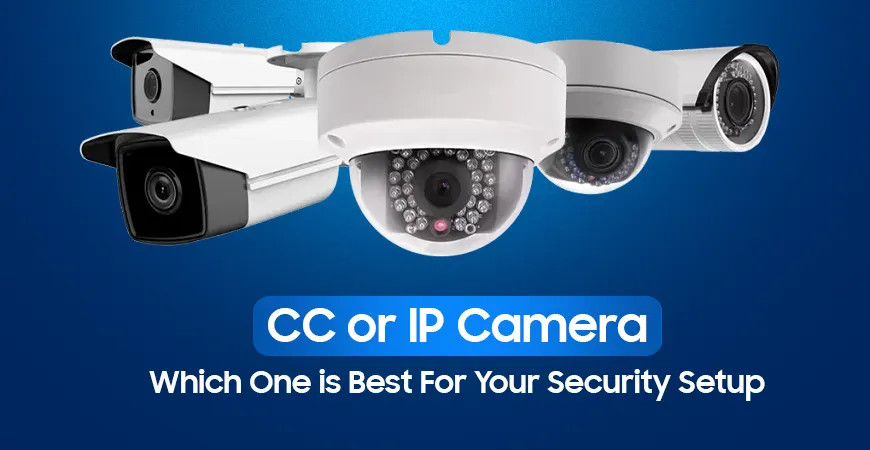
Dome cameras are named for their rounded, ceiling-mounted design. Their discreet shape makes it harder for people to tell which direction the lens is pointing—a useful deterrent. Dome cameras are common in retail stores, offices, and indoor spaces where aesthetics matter.
Bullet Cameras
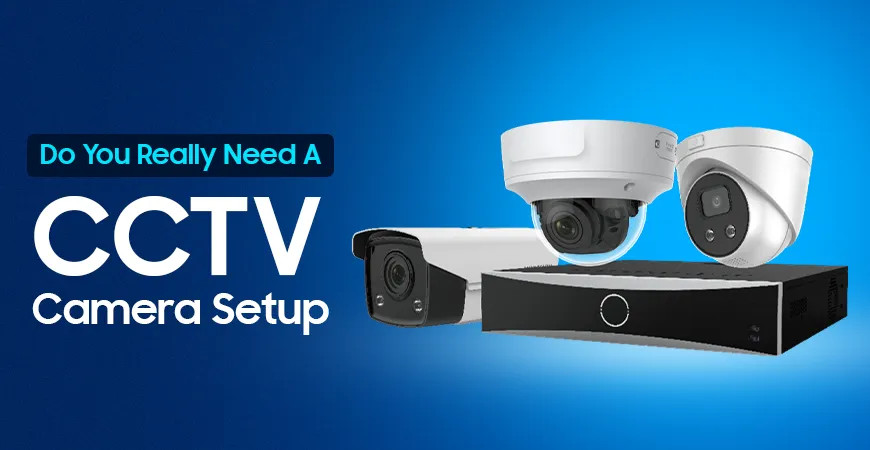
Bullet cameras are long and cylindrical, designed to be pointed in a fixed direction. They are highly visible, which helps with deterrence, and typically offer a longer range of view. Bullet cameras are a popular choice for driveways, parking lots, and building perimeters.
PTZ Cameras (Pan-Tilt-Zoom)
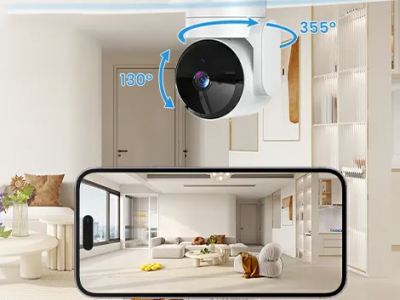
PTZ cameras can rotate horizontally, tilt vertically, and zoom in on specific areas—either automatically or via remote control. These are best suited for large spaces like warehouses, car parks, and public areas where a single camera needs to cover a wide field.
Wireless Cameras
Wireless cameras transmit footage over Wi-Fi, removing the need for video cables. They are easier to install and more flexible in placement. The trade-off is reliance on a stable Wi-Fi signal and potential vulnerability to signal interference.
IP Cameras (Internet Protocol Cameras)
IP cameras transmit footage digitally over a network, offering higher resolution and smarter features like remote access, motion alerts, and two-way audio. Most modern CCTV systems use IP cameras as they offer the best image quality and integration options.
Important Features to Look For: Resolution, Night Vision, Storage, and Motion Detection
Resolution: How Clear Is the Footage?
Resolution determines how much detail your camera captures. The minimum recommended resolution for home security is 1080p Full HD. For commercial use or areas where facial recognition matters, consider 4K (8MP) cameras, which capture four times the detail of 1080p.
Higher resolution footage uses more storage, so factor this in when planning your system.
Night Vision: Seeing in the Dark
Most security incidents happen after dark, making night vision an essential feature. Look for cameras with infrared (IR) LEDs for black-and-white night vision, or color night vision, which uses ambient light to produce colored footage—making it easier to identify clothing, vehicles, and faces.
Check the stated night vision range. A camera rated for 30 meters of night vision covers a typical driveway; longer ranges are needed for open areas.
Storage: Local vs. Cloud
CCTV footage needs somewhere to go. Your two main options are:
- Local storage: Footage is saved to an SD card, hard drive, or NVR (Network Video Recorder) on-site. No ongoing fees, but footage can be stolen or damaged along with the device.
- Cloud storage: Footage is uploaded to remote servers. More secure, accessible from anywhere, but usually requires a monthly subscription fee.
Many modern systems offer hybrid storage, combining both methods for added reliability.
Motion Detection: Smarter Alerts
Rather than recording 24/7, motion-activated cameras only record when they detect movement. This saves storage space and makes reviewing footage far quicker. Advanced systems use AI-powered motion detection to distinguish between a person, a car, and a passing animal—reducing false alerts significantly.
Indoor vs Outdoor CCTV Cameras: Which One Do You Need?
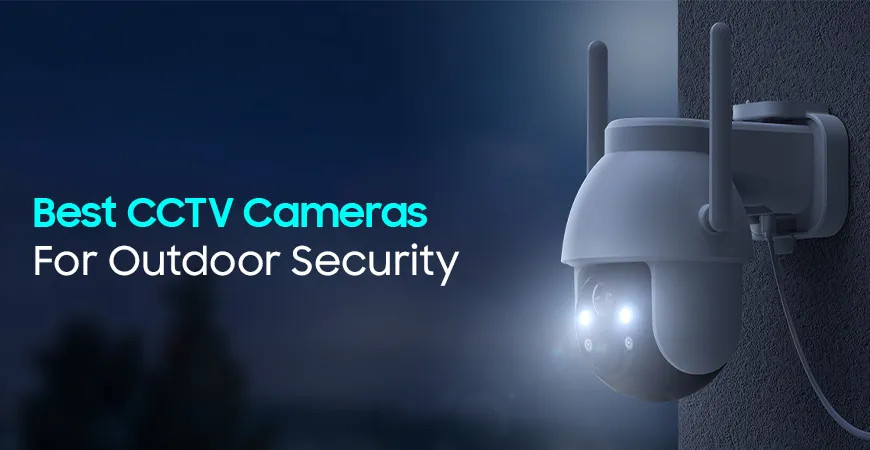
Outdoor cameras must withstand rain, heat, cold, and dust. Always check the IP (Ingress Protection) rating on any outdoor camera. A rating of IP65 or higher means the camera is dust-tight and protected against water jets—sufficient for most residential and commercial outdoor use.
Indoor cameras don't face weather challenges, so they can prioritize image quality, design, and features like two-way audio at a lower price point.
Key rule: Never use an indoor-only camera outdoors. Even light moisture can permanently damage electronics not rated for outdoor use.
Wired vs Wireless CCTV Cameras: Which Is Better?
Neither option is universally better—each suits different situations.
Feature | Wired | Wireless |
|---|---|---|
Reliability | High – not dependent on Wi-Fi | Moderate – depends on signal |
Installation | More complex, requires cabling | Easier, more flexible placement |
Security | Less vulnerable to hacking | Can be vulnerable if unsecured |
Best for | Permanent, large-scale systems | Renters, small homes, easy setup |
Choose wired if you want a reliable, permanent system and don't mind a more involved installation process. Choose wireless if you rent your property, need flexibility, or want a quick setup without running cables through walls.
How Much Does a CCTV Camera System Cost?
CCTV costs vary widely based on the number of cameras, resolution, and features. Here's a general breakdown:
- Budget systems (under $150): 1–2 cameras, 1080p resolution, basic motion detection, limited night vision. Suitable for renters or small apartments.
- Mid-range systems ($150–$500): 2–4 cameras, 1080p–4K, cloud or local storage, app connectivity, improved night vision. Best for most homeowners.
- Premium systems ($500–$2,000+): Multi-camera 4K setups, AI motion detection, professional-grade NVR, extensive storage. Ideal for large homes, small businesses, or commercial properties.
Professional installation typically adds $100–$300, depending on the complexity of the job. Many wireless systems are designed for DIY installation, which cuts this cost entirely.
Don't forget to factor in ongoing costs: cloud storage subscriptions often run $3–$30 per month depending on the provider and storage tier.
Make the Right Call Before You Buy
A CCTV camera system is only as good as the decisions behind it. Buy for your specific environment, not for the most impressive specs sheet. A well-placed 1080p camera covers more ground than a poorly positioned 4K one.
Start by identifying your key risk areas—entry points, blind spots, and high-value zones. Then match the camera type, resolution, and storage method to those needs and your budget. If you're unsure, a professional security assessment from a licensed installer can save you from expensive trial and error.
Security is a long-term investment. Take the time to get it right.
Frequently Asked Questions
What type of CCTV camera is best for home security?
Dome or wireless IP cameras are generally the best choice for home security. Dome cameras offer discreet, wide-angle coverage ideal for indoor spaces, while wireless IP cameras are easy to install and work well both indoors and outdoors. For most homeowners, a combination of the two—dome cameras inside and bullet or wireless cameras at entry points—provides solid, well-rounded coverage.
Is a wired or wireless CCTV camera better?
Wired cameras offer greater reliability, while wireless cameras offer more flexibility. Wired systems don't depend on a Wi-Fi signal and are harder to jam or interfere with, making them ideal for permanent installations. Wireless cameras are a better fit for renters or those who need a quick, cable-free setup. If long-term reliability is your priority, go wired.
How much resolution is good for a CCTV camera?
1080p Full HD is the minimum recommended resolution for home or business security. This provides enough detail to clearly identify faces and number plates in most lighting conditions. For larger areas or higher security needs, 4K (8MP) offers significantly sharper footage—useful when you need to zoom in on specific details without losing clarity.
Do CCTV cameras work without the internet?
Yes, many CCTV cameras work without an internet connection. Cameras that save footage to a local SD card or NVR (Network Video Recorder) operate completely offline. However, without internet, you won't be able to access live footage remotely or receive motion alerts on your phone. If remote monitoring matters to you, an internet connection is required.
How much storage do I need for CCTV footage?
For a single 1080p camera recording continuously, you'll need approximately 15–20GB of storage per day. A system with four cameras running 24/7 can consume 60–80GB daily. Most systems use motion-activated recording to reduce this significantly. For most home setups, a 1–2TB hard drive or a cloud plan with 30 days of retention is more than sufficient.
